How to Install IPTV on Nvidia Shield TV using Play Store
IPTV Smarters Pro is one of the best IPTV players you can use to watch IPTV content. So, let’s install IPTV Smarters Pro on your Nvidia Shield TV.
[1] Turn on your Nvidia Shield TV and go to the home screen.
[2] Select the Apps tab from the home screen and choose the Google Play Store to launch it.
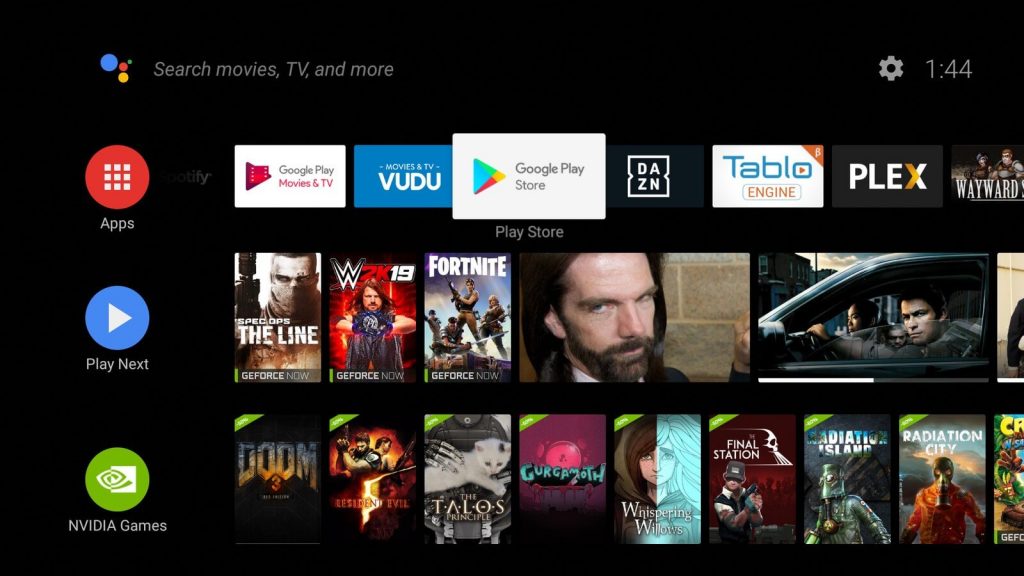
[3] Click on the Search icon from the upper right corner.
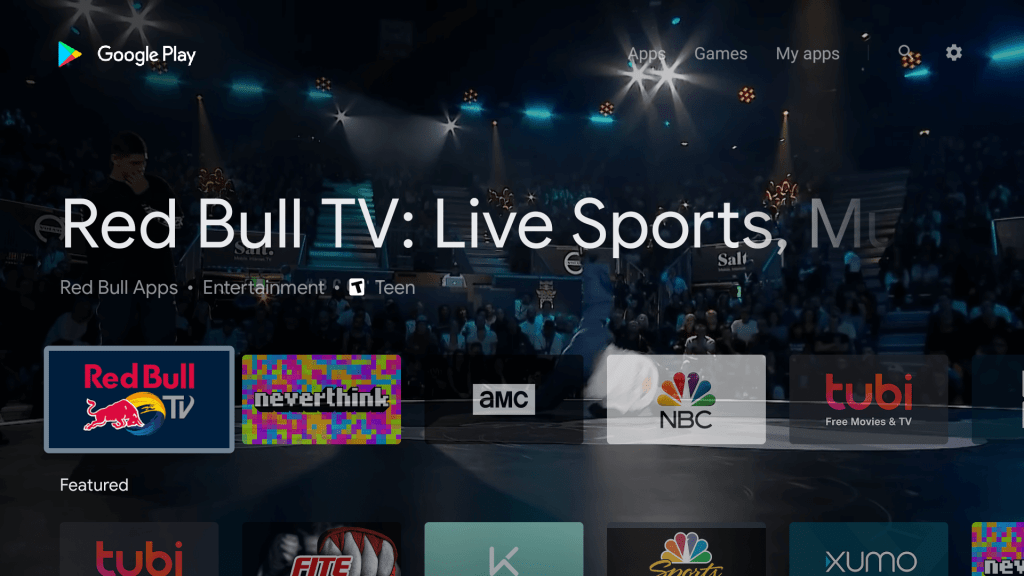
[4] Search for IPTV Smarters Pro using the search bar.
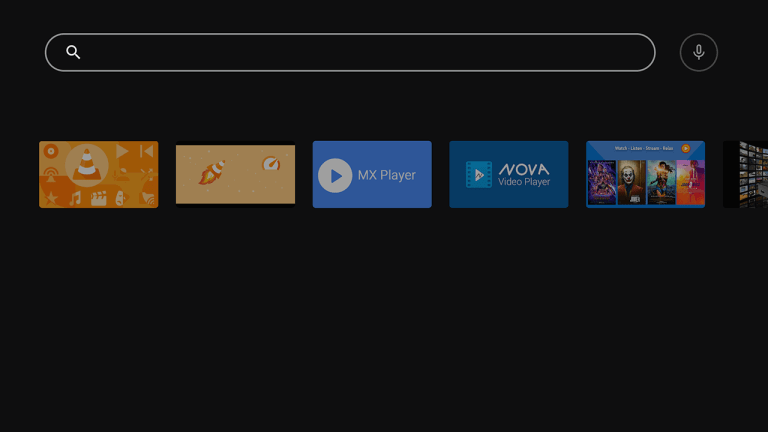
[5] Select the IPTV Smarters Pro app from the search results.

[6] Now, select the Install button from the app info page.
[7] Within minutes, the IPTV Smarters Pro app will be installed on your Nvidia Shield TV.
[8] After that, hit the Open button to launch the IPTV Smarters Pro app.
[9] Accept the terms and conditions.
[10] Then, you will see this screen on your TV.

[11] Follow the steps below to watch IPTV content using the IPTV Smarters Pro app.
- Login With Xtream Codes API – In case you have a Username and Password, you can select this option.
- Enter the Username and password in the required field.
- Next, input the port URL and select the Add User button.
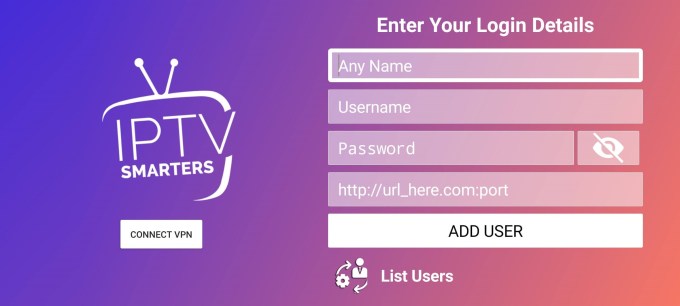
Now, you can watch IPTV content on your Nvidia Shield TV.
